

Contact
From professional repairs and technical support to firmware updates and configuration software, YGE offers comprehensive support to ensure your electronic speed controllers always deliver their optimal performance.
Technical Support
Your message to YGE
Contact options
Anrufen
Our telephone service is available at the following times: Tuesday to Thursday from 2 pm to 4 pm
Send email
Location
Frequently asked questions
Which controller is right for my application?
Our team will be happy to help you select the right controller, taking into account the voltage requirements, current consumption, and application.
Which telemetry protocols are supported?
All common protocols such as Jeti ExBus, Graupner HoTT, Mikado VBar Control, Multiplex, JR DMSS, Rotorflight and ELRS/CRSF are supported internal.
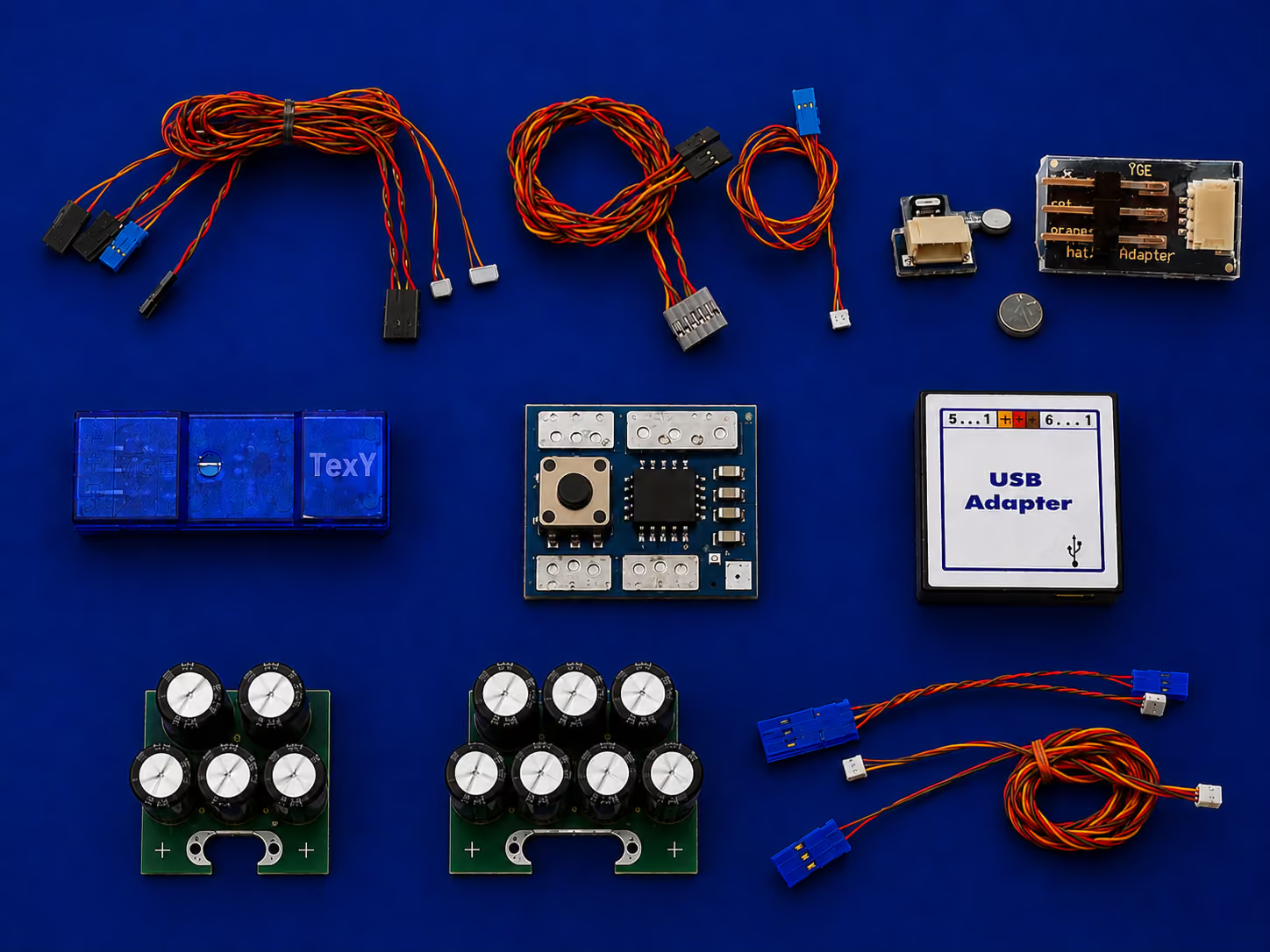
For Futaba, FrSky, Spektrum and Powerbox CORE the YGE TexY is additionally required.
How do I update my controller's firmware?
- Connect the ESC to the PC using the USB adapter and start the PC software. Now connect the flight battery and then click “Connect” in the software. The software will read the ESC and display all parameters.
- Open the “Update” tab. There you will find the “Online Update (Registration/Login)” button. Click it to be redirected to our update portal. Register or log in. After logging in, the connected ESC will be displayed on the start page.
- Click “Request Latest Firmware”. After a short wait, the firmware will be activated and transferred directly to the PC software. You only need to click “Perform Update”.
- If you want to keep your settings, please check “Keep Settings” beforehand. Wait until the update process has been completely finished and the ESC has been reinitialized.
- You can now disconnect the ESC.
How does a repair or service case work?
Download the service form, complete it on your PC, print it and send it together with the product to YGE-Service, Otto-Hahn-Straße 1a, 49134 Wallenhorst, Germany. We inspect the device and contact you if there are questions.
Do I need a buffer battery for the BEC?
It is not mandatory. The YGE high-performance BEC is protected against back-currents by an ideal diode and delivers a constant voltage; in demanding setups a buffer can still be worthwhile.
How does the “Remember mAh until battery replacement” feature work?
- Battery voltage (in this example, a 3S LiPo)
The controller detects the battery based on its voltage when it is connected. If the “Remember mAh until new battery” function is enabled, the capacity is only reset if the newly connected battery has a voltage that corresponds approximately to a fully charged battery. So, for a 3S battery, that’s ~12.5–12.6 V.
If, for example, you fly until your battery is half empty and it has a voltage of, say, 11.3 V, the ESC will store the discharged capacity—for example, 1000 mAh.
If a battery with 11.3 V—or even slightly more, since the voltage recovers without a load, e.g., 11.5 V—is now connected, the controller will continue counting exactly from 1,000 mAh. If a fully charged battery with 12.5–12.6 V is connected, the capacity is reset
- Motor Load
Our controllers save a log with minimum and maximum data after every FLIGHT. However, the controller only counts as a FLIGHT an operation that lasted a certain amount of time and carried a certain load.
Simply plugging in the controller and briefly starting the motor is not counted as a flight. Nor is it considered a flight if you set the model aside for half an hour and the receiver system has consumed 300 mAh during that time.
The motor must have been running for a while, and a current of at least 10–20 A must have flowed.
And this is precisely where the connection to capacity storage comes in. Capacity is only stored if the controller has classified the session as a flight.
How do I reset my password for the update portal?
- Connect an already registered ESC to the PC software using the USB adapter and establish the connection.
- Then, in the PC software, click the “Update” tab and select “Online Update (Registration/Login)”. You will automatically be redirected to the portal’s login page. There you will find a “Reset Password” button.
- Important note! To protect against data theft or hacking, the password can only be reset using an ESC that is already registered to the account.
Why my ESC can´t connect to the PC software?
- A fairly common cause is that the USB interface connection with the USB adapter has not been detected. In the PC software, click the “Connection” tab in the upper-left corner. A window will open where you can select or check the appropriate USB interface. After successfully configuring it, reconnect the ESC.
- Another possible cause is the connection sequence. After connecting the ESC to the PC software via the USB adapter, first connect the flight battery and then click “Connect.”
Can I update my controller while the TexY is connected?
- No, you must disconnect the TexY to perform the firmware update; the connection to the PC must always be made without the TexY!
Can our BECs be buffered with a backup battery or buffer?
- Yes! Our ESCs with BEC can be buffered without any problems.
How do I connect a backup battery or capacitor, and what do I need to consider?
- You can easily connect a backup battery to a free receiver port. It is best to use a pluggable connection so that the backup battery can easily be disconnected and removed when necessary.
- Important information! Do not connect the ESC when the backup battery is discharged! This can damage the BEC due to excessive current.
- The BEC voltage must match the voltage of the backup battery. Ideally, select a slightly lower BEC voltage so that the backup battery is not always fully charged.
Why does the propeller positioning is not working?
- The most common cause is the wiring. It is important that the sensor or adapter is connected to the receiver. The sensor is supplied with power through the receiver.
- If the sensor is too far away from the magnet, it may not be able to detect it.
What do the flashing codes on the ESC mean?
Analysis of malfunctions:
2 flashes: Undervoltage detected
3 flashes: Overtemperature warning
4 flashes: Overcurrent
5 flashes: Receiver signal lost
6 flashes: Startup failed
7 flashes: BEC overload
What is the recommended maximum cable length?
- We recommend a maximum cable length of 300 mm, measured from the battery to the ESC. With longer cables, performance decreases, the electrolytic capacitors (ELCOs) may no longer be charged correctly, and the BEC could be damaged.
- Longer cables can also generate higher voltage spikes when switching the system on or off.
- For cable lengths exceeding 300 mm, we recommend using a suitably sized cable cross-section and one of our Caps modules.
What exactly is the Battswitch?
- Our Battswitch is an intelligent safety buffer circuit. It activates automatically as soon as the main power supply is interrupted, e.g. if a connector comes loose or there is a loose connection.
- It is switched off by pressing a button — after that, no current flows.
- Further advantages: rated for up to 30 A, small and compact, low weight, and the connected backup battery is charged while also absorbing voltage spikes.
Do I need to send the ESC in immediately if I have problems with it?
- In the event of a defect, yes!
- For general problems or setup questions, no. We can already diagnose many issues remotely using the event logs of your ESC and provide a solution.
Why does the fan on the Aureus 185, 265, or Opto 255 turn off again after connecting the ESC?
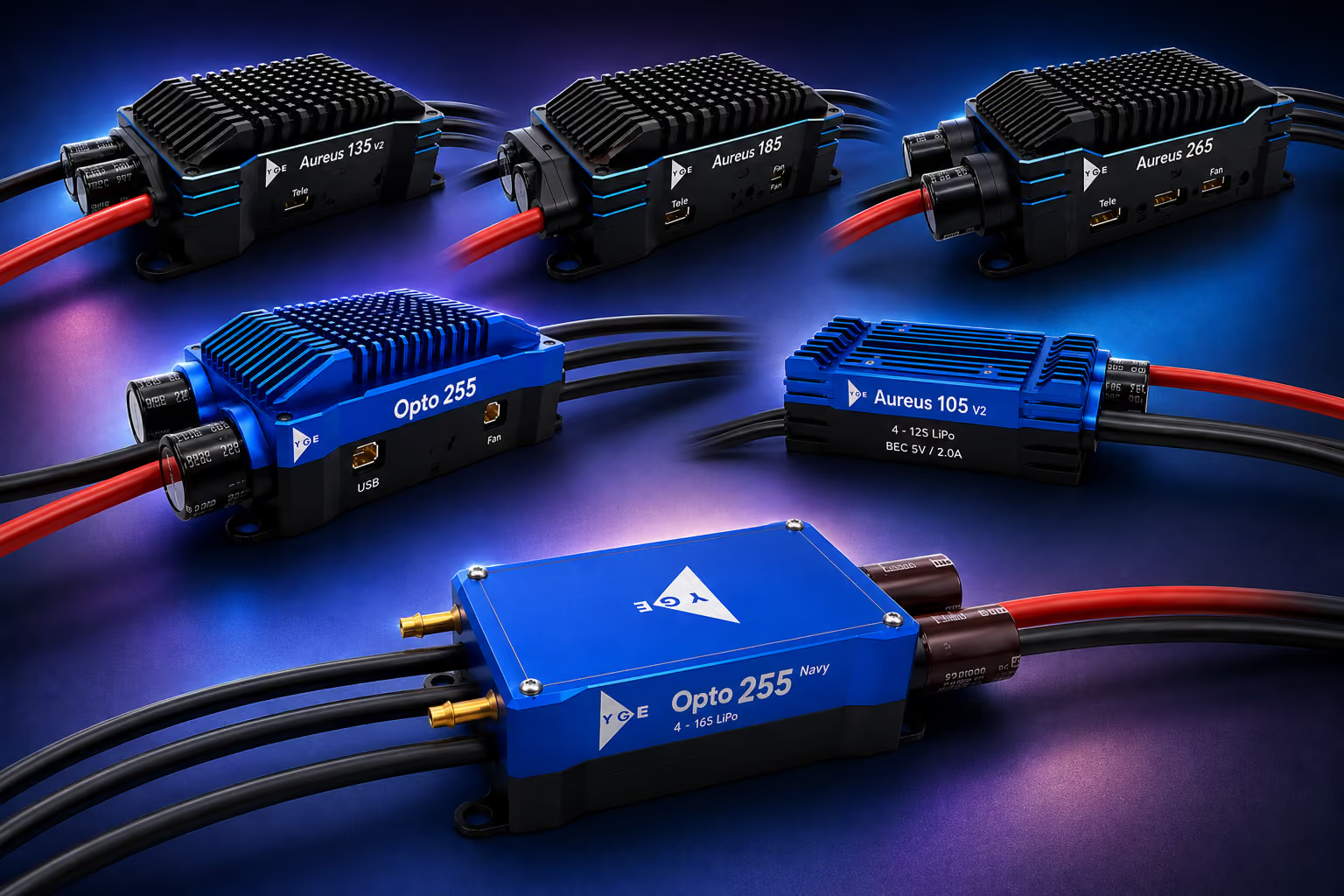
Our Aureus 185, 265, and Opto 255 feature temperature-controlled fans. After connecting the ESC, the fans briefly spin up to confirm that they are functioning correctly. They then turn off again and only start running once the ESC temperature reaches 30 °C.
Why I can´t get the latest software for an older ESC?
Due to hardware limitations, older ESCs are unfortunately no longer compatible with the latest firmware updates.
Do our ESCs have reverse thrust?
No. At the moment, we do not have software for reverse thrust.
What is Auto Timing, and can it be adjusted in different stages?
- Timing can be compared to the ignition timing of a combustion engine. In a combustion engine, the ignition timing is also adjusted depending on the RPM and load conditions to achieve optimum efficiency and performance. Our Auto Timing works in the same way. It optimizes the timing according to the load condition and RPM for maximum efficiency and performance.
- Our Auto Timing can be adjusted in four stages: Normal, Efficiency, Performance, Extreme.
> Efficiency: Efficiency-oriented; less power, but also less heat generation and lower power consumption.
> Performance / Extreme: Performance-oriented; more power, but also higher heat generation and power consumption.
- For commercially available motors, we recommend leaving the setting at “Normal.” Changes generally do not have a significant external effect.
Can the BEC on our ESCs with BEC be switched off or deactivated?
- Yes! Remove the red wire from the power connector and insulate it against short circuits. The ground connection, i.e. the brown wire, can remain connected.
- Set the BEC voltage to 0 V using the PC software.
Are our ESCs suitable for partial-load operation?
- Yes, our ESCs are suitable for partial-load operation. However, we recommend configuring your setup so that you operate outside this range as much as possible.
- In the partial-load range, the current on the motor side can temporarily be twice as high as the current on the battery side (law of conservation of energy), which could damage the components over time.
What does “SyncLostPrev” mean in our event logs?
- Sync Lost Prevention is a safety feature that detects motor malfunctions or incorrect commutation. In other words, it detects when the motor is not behaving as the ESC expects.
- As soon as the ESC detects this condition, it automatically reduces the output until the motor can be commutated reliably. In extreme cases, where more serious damage could occur, the ESC will shut down completely.
- If you find such entries in the log, please check the motor cables for short circuits and insulation damage. Also check the motor to determine whether it may have an internal short circuit.
- In fixed-wing models, this can also occur with very large propellers and very fast spool-up times. In such cases, the ESC or motor simply cannot keep up due to the moment of inertia.
- Very long motor cables (over 300 mm) can also potentially cause such entries or problems.
Looking for the right controller or a technical project partner?





Media Sources
https://www.svgrepo.com/svg/448112/repair-costs
https://www.svgrepo.com/svg/499593/computer
Contact:
https://www.svgrepo.com/svg/502648/email
Note on AI-Generated Content:
This website may use images and other content that have been created or edited using artificial intelligence (AI). AI-generated content may be used, in particular, to depict products, product variants, or illustrative scenarios.